
Media
Drop in almost anything you already cut with.
- Photos and video clips
- PNG cutouts — paper follows the shape
- Place, scale and rotate in frame
SONNOX MEDIA
Paper Animation Template v1
Drop in a photo, video or PNG cutout and it folds into view from crumpled paper, then folds away again — with a sound on every fold. Place, scale and rotate it in Essential Graphics. Built for reveals, intros and scrapbook-style edits.
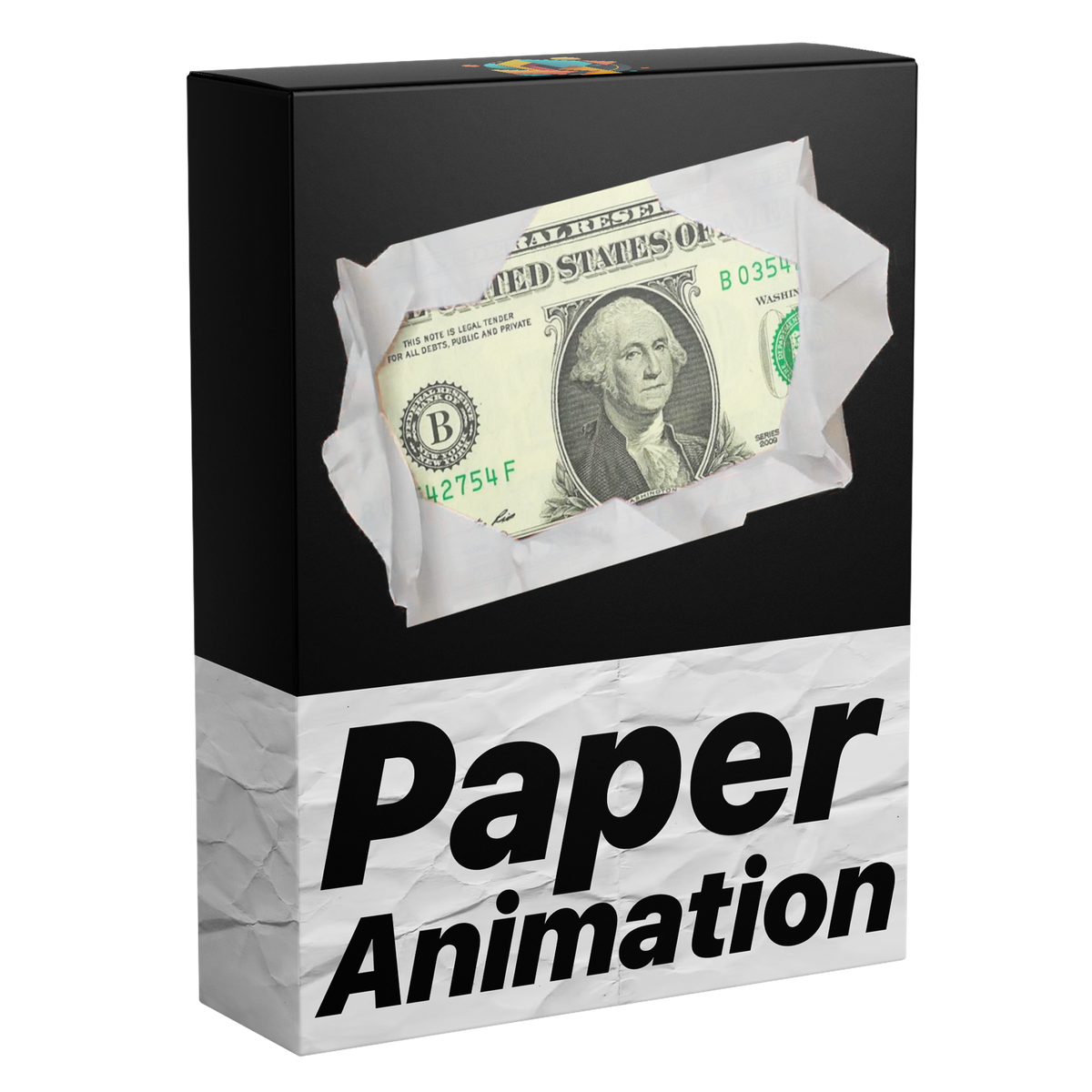
Fold in. Fold out. On any image or video — sound included.
The product
Put your media in the placeholder and it unfolds from crumpled paper, with a sound on every fold. No masks. No keyframing.

Everything lives inside Premiere Pro Essential Graphics — drag, drop, transform, done.
What's included
A single reusable template that handles the fold, the transform and the sound so you stay in the cut.
Drop in almost anything you already cut with.
Folds that feel tactile, timed to audio.
Stays inside Premiere Pro from import to export.
How it works
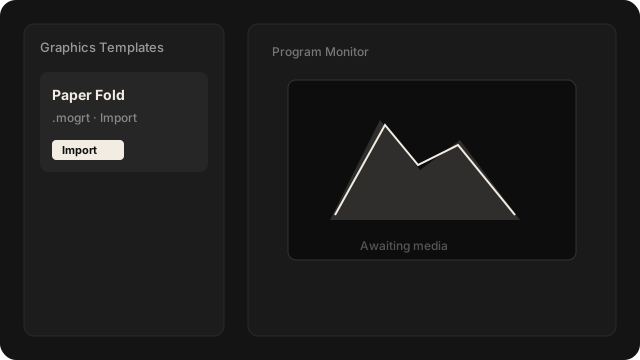
Import the .mogrt, drop it on your timeline, then drag your media into the placeholder.
01
Open Graphics Templates (Essential Graphics in older versions) and import the .mogrt file.
02
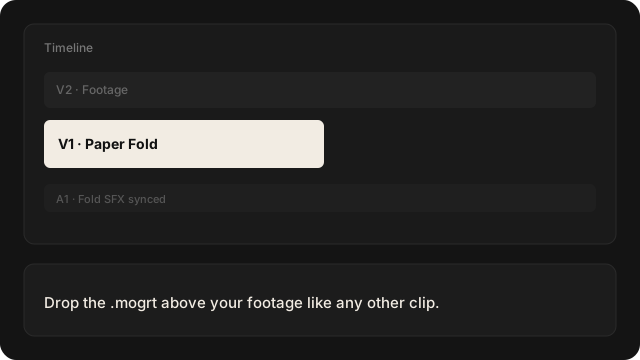
Drop it above your footage like any other clip. Sound travels with the fold.
03
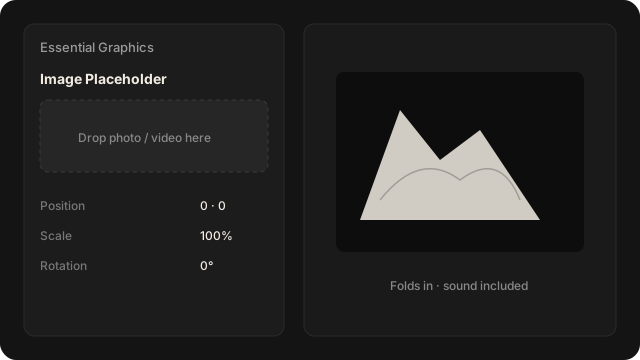
Drag your image or video into the template. It folds in and out on its own.
One-time purchase
$49Pay once. Keep it forever.
Sonnox Media Paper Animation Template v1 — instant delivery via Whop after checkout.
No. You import the template and change everything inside Premiere Pro 2021–2026, on Windows and Mac. No plugins either.
You receive one reusable Paper Fold MOGRT for images and videos, including fold-in and fold-out motion, synchronized sound effects, and transform controls.
The template works with Adobe Premiere Pro 2021–2026 on Windows and Mac. No third-party plugins are required.
Your download is available immediately after checkout on Whop. Keep your order confirmation email — download access remains available from your Whop order page.
In Premiere Pro 2025 or newer, open Window → Graphics Templates. In earlier supported versions, open Window → Essential Graphics. Import the included .mogrt file, then drag it from the panel into your timeline.
Select the template on your timeline. Then drag your photo or video from the Project panel onto its media box in the Essential Graphics panel (the Properties panel in Premiere Pro 2025 and later).
Yes. Future updates for this template are included. When a new version is released, you can download it from your Whop order page.
If it doesn’t work in a Premiere Pro version listed on this page, email [email protected] within 14 days of buying. We’ll help you fix it, and if we can’t, you get your money back. Older Premiere Pro versions aren’t covered — check yours first. See our Terms for full details.
Get the Sonnox Media Paper Animation Template on Whop — instant download, one-time payment.